
How to create a project?
Creating a project on Intuipay is a straightforward process. This guide will walk you through each step to set up your project successfully.
Getting Started
Before creating your project, ensure you have:
- Registered and logged into your Intuipay account
- Prepared your project information
- Set up your cryptocurrency wallet for receiving donations
Creation Process
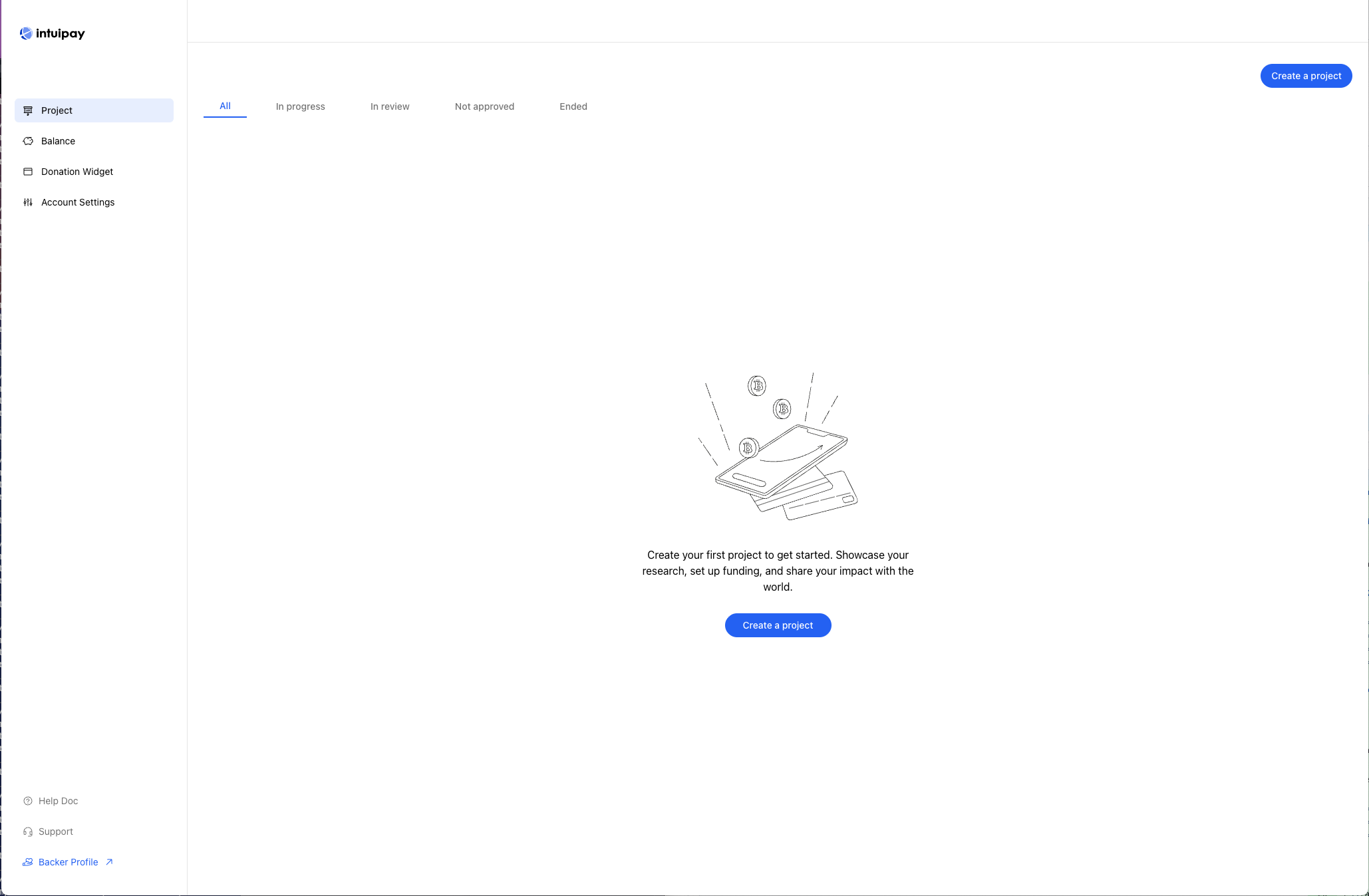
1. Access the Creation Page
Click the "Create Project" button in the navigation bar to start creating your project.
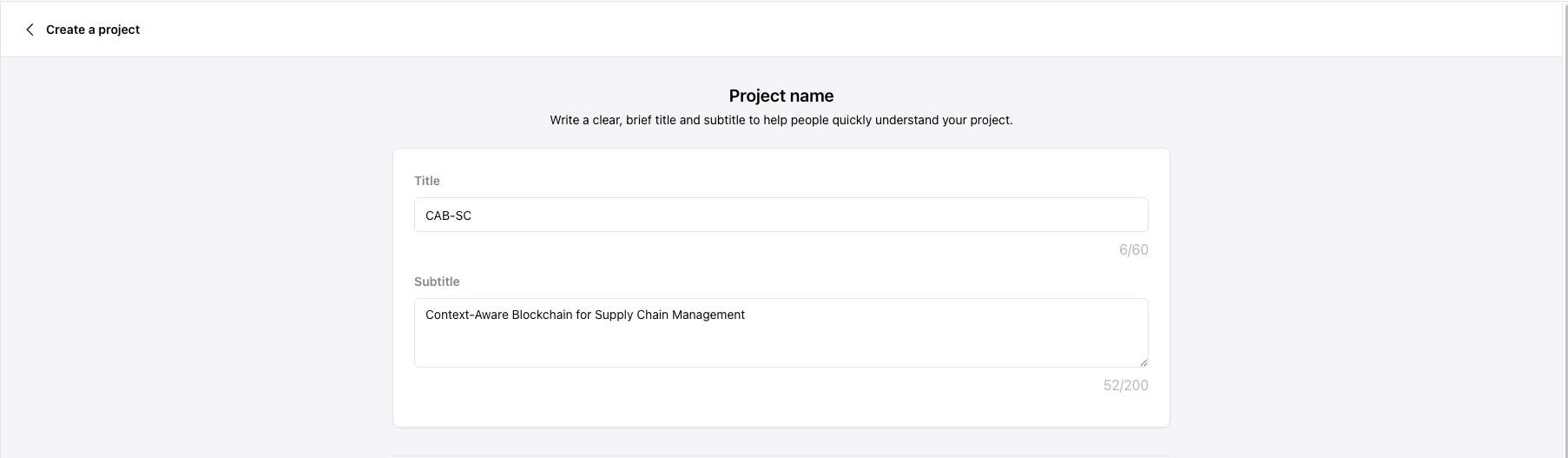
2. Fill in Basic Information
- Project Name: Choose a clear and concise name for your project
- Project Description: Write a detailed description
- State your project goals
- Explain how funds will be used
- Describe expected outcomes
3. Select Project Categories
Choose up to 5 relevant tags from preset categories to help potential donors find your project:
- Education Support
- Tuition Funding
- Scholarship Programs
- Research Funds
- Campus Development
- Other Categories

4. Set Project Location
Specify where your project will be implemented:
- Choose a specific country/region

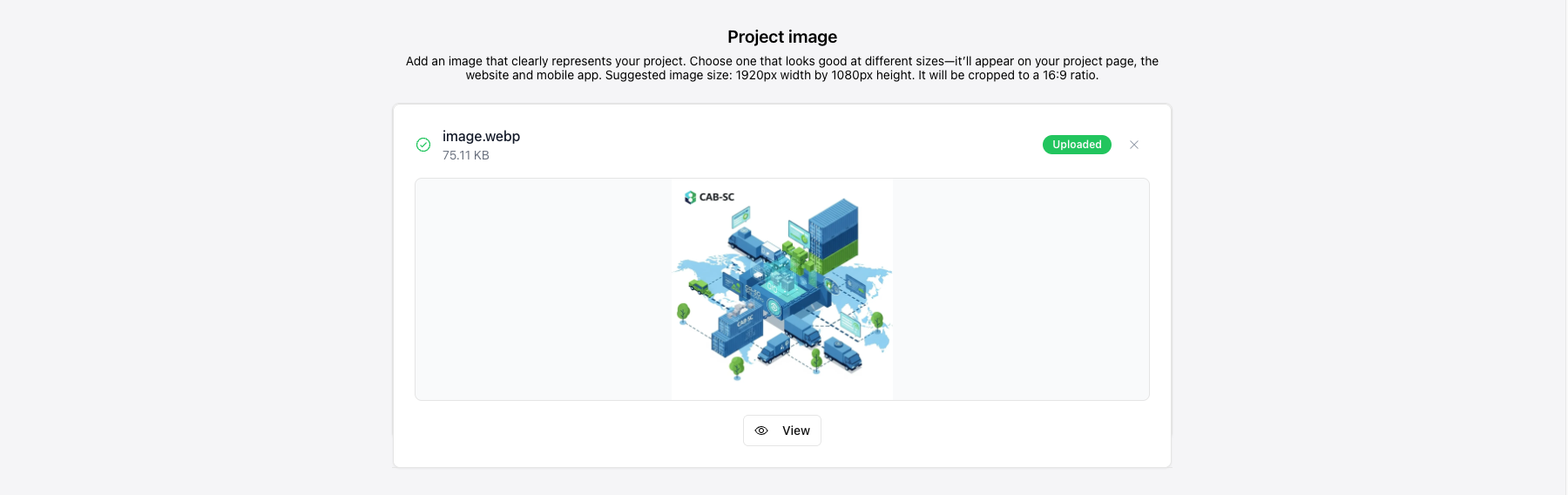
5. Upload Project Images
- Upload a project cover image (recommended size: 1200x630 pixels)
- Or choose from our default image gallery
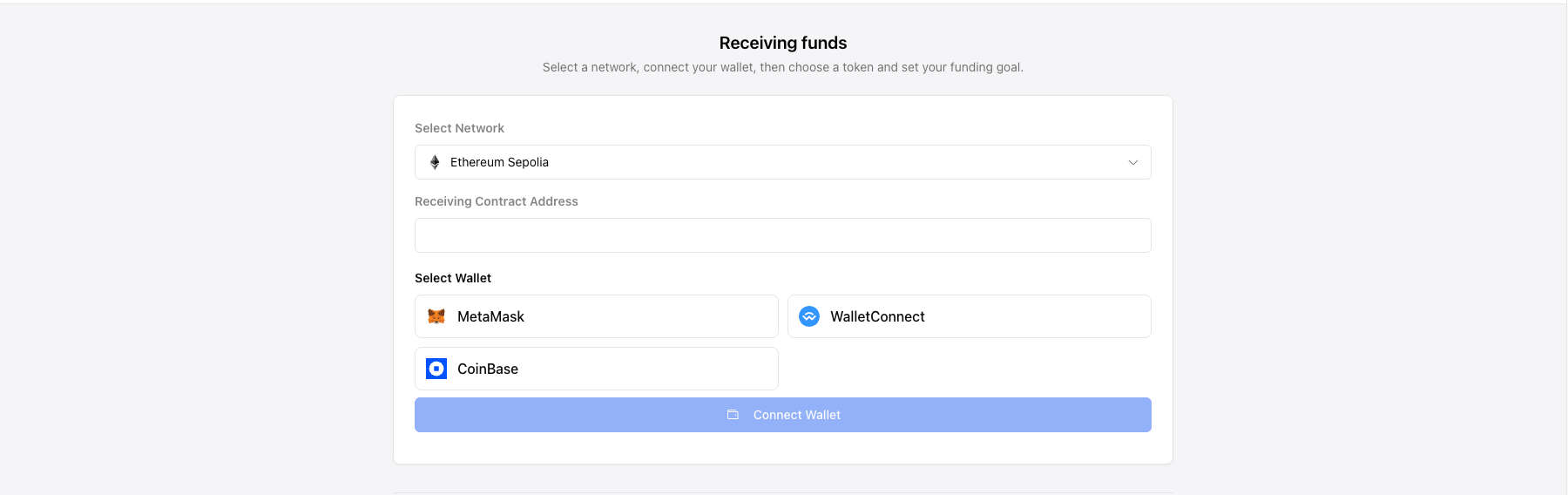
6. Configure Receiving Address
Set up your cryptocurrency wallet address for receiving donations:
- Set a single receiving address for all supported blockchain networks
- Or configure different addresses for different networks
- Supported networks include: Ethereum, Polygon, BNB Chain, etc.
⚠️ Important: Use a wallet address you control, not an exchange deposit address.
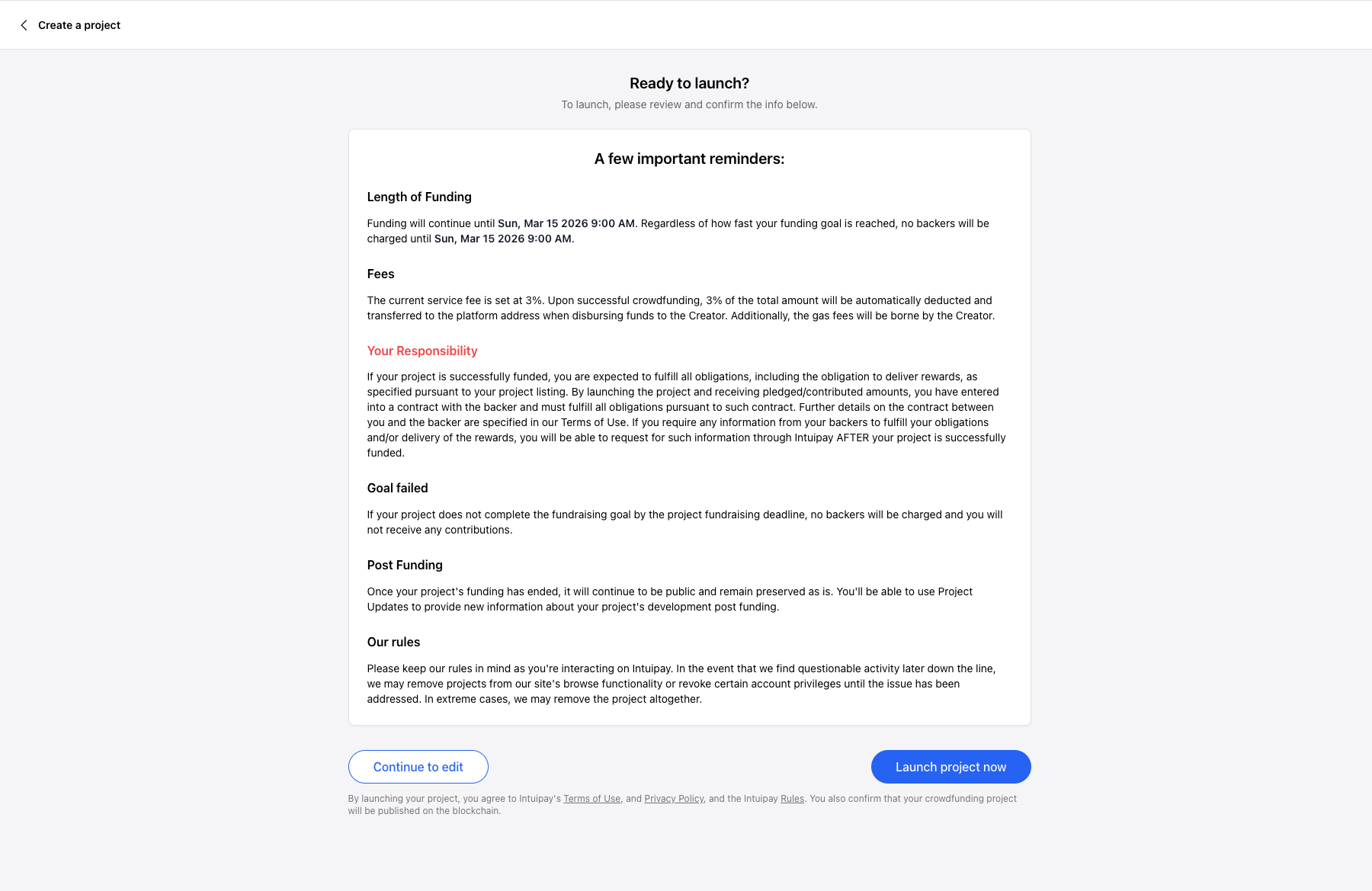
7. Publish Your Project
- Review all information
- Click the "Publish" button to make your project live
- Get your project link to share with potential donors
Next Steps
After creating your project, you can:
- Learn how to spread the word in our How to spread words about a project guide
- Read Adding Updates to Your Project to learn how to keep your donors engaged
- Check How to find a project to understand how donors will discover your project
Need Help?
If you encounter any issues during the creation process:
- Check our FAQ
- Contact us through the Support Center