
Adding Updates to Your Project
Keep your donors informed about your project's progress by adding regular updates. This guide shows you how to add updates to your project.
How to Add an Update
1. Access Your Project
- Go to Dashboard
- Find your project in the Projects list
- Click "Publish updates" button on the project card

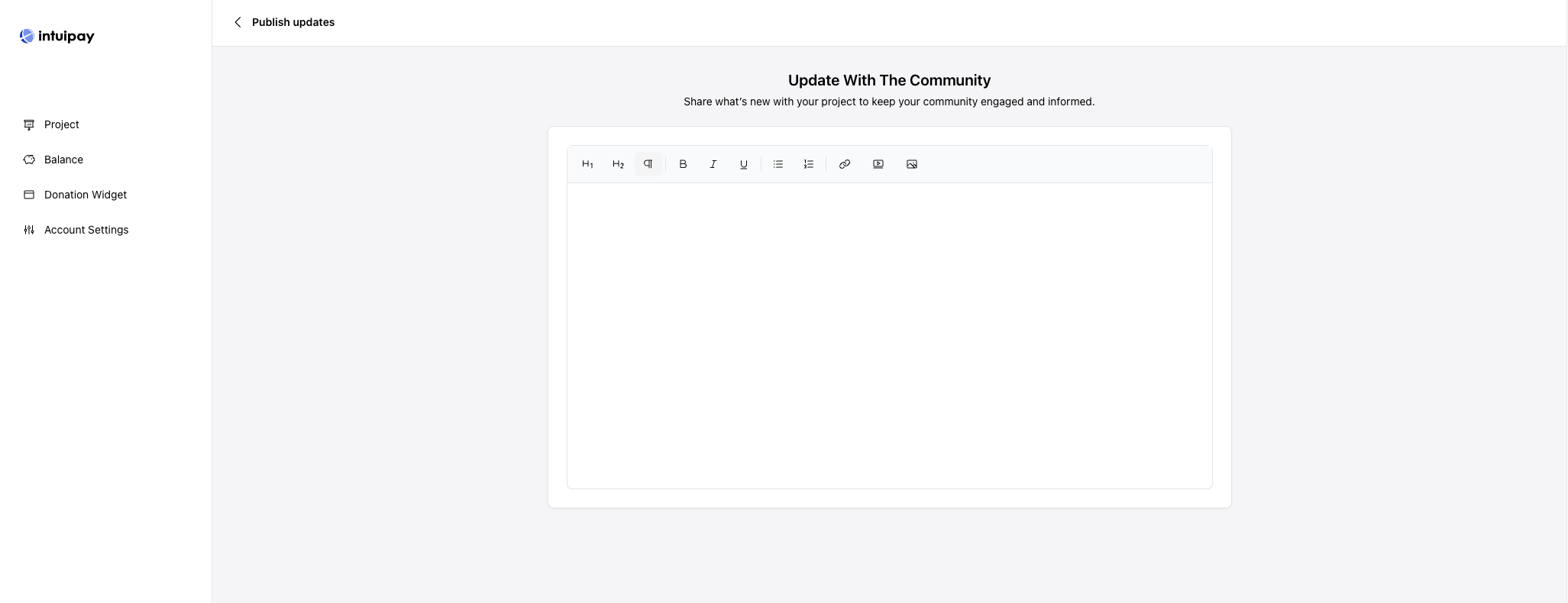
2. Write Your Update
Use the rich text editor to create your update:
Need Help?
- Check our FAQ
- Contact our Support Team